Bristol, Gloucestershire, Wiltshire, Somerset, Dorset, Devon, Cornwall and the South West
MULTI AWARD WINNING IT SUPPORT, SOLUTIONS AND SERVICES




In the safe hands of our Apple consultants
Soltech IT is a nationwide member of the Apple Consultants Network. But what does this mean for your organisation?
The Apple Consultants Network is made up of independent companies offering IT services and solutions based around Apple products. Our consultants are able to provide the very best support and service, ensuring your IT solutions are set up, configured, and supported correctly.
How can our Apple consultants can help schools?
All our Apple consultants complete Apple training programs, focusing on key solutions that help schools successfully integrate Apple and third-party technologies.

Apple Mac for schools
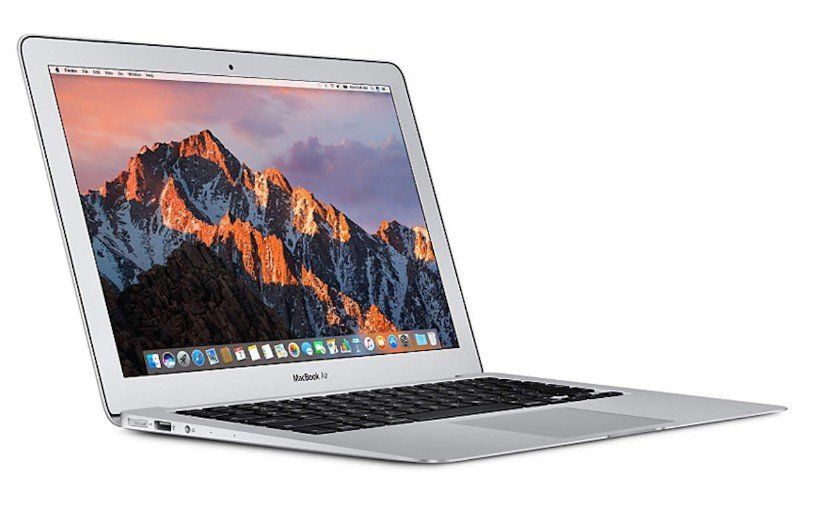
Experts in supplying, setting up, integrating, and supporting Mac desktops and notebook computers.
Apple servers and networking for schools
Our server and networking consultants can configure and support OS X Server, integrate Macs into complex Apple and multi-platform networks, and manage the IT infrastructure.
Apple MDM for schools
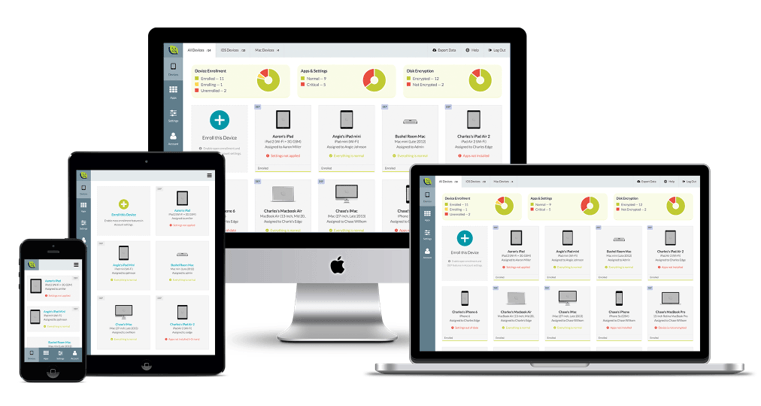
Soltech IT offers a range of Mobile Device Management, deployment, support, cloud integration, and consulting services on iOS devices.
DfE Laptop, Desktop and Tablet Standards
DfE Laptops, Desktops and Tablets Standards
Devices must be secure, reliable and importantly fit for purpose throughout a school or college, supporting the curriculum, school administration and the schools digital strategy.
Schools and colleges must ensure that devices used by teachers, staff and pupils are safe and secure, capable and aligned with their wider digital strategy. Laptops, desktops and tablets should effectively support curriculum delivery, administrative processes and flexible access to digital systems throughout, while remaining secure, reliable and cost-effective.
Poor device selection can result in lost learning time, increased technical issues and much higher long-term costs.
Schools should regularly assess whether their current devices meet both educational and operational requirements. This includes compatibility with cloud platforms, curriculum software and safeguarding systems. Understanding who uses each device, how and where it is used, and whether it supports accessibility features and secure network access is essential.
Devices should meet or exceed the DfE’s minimum standards, including enterprise-grade operating systems, regular security patching and modern wireless connectivity.
All devices should be centrally managed to ensure consistent application of updates, filtering, monitoring and access controls.
Where mobile or remote use is required, device management solutions should support remote locking, data wiping and safeguarding. Devices must be recorded in an up-to-date asset register, and procurement decisions going forward, should be informed and based on an understanding of security, compliance and user needs.
Energy efficiency and sustainability should also be considered. Devices should be configured to reduce unnecessary energy consumption and disposed of in line with WEEE regulations and data protection requirements. Secure data sanitisation must be carried out when equipment is retired, with appropriate records maintained.
Reviewing device usage can often identify opportunities to repurpose equipment, helping schools and colleges to control costs and meet sustainability objectives.





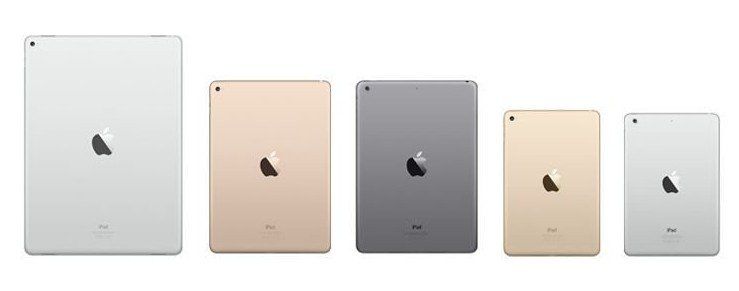

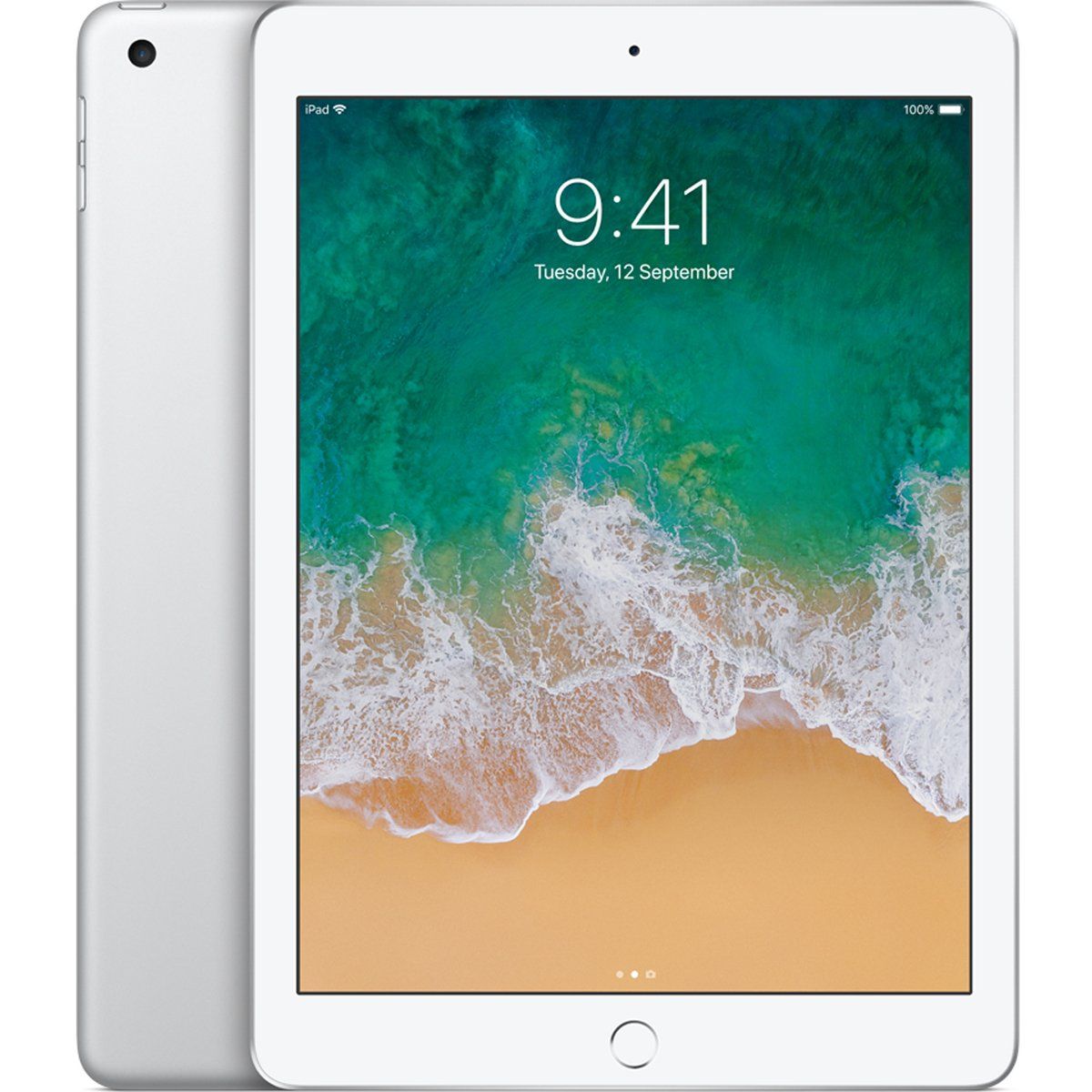
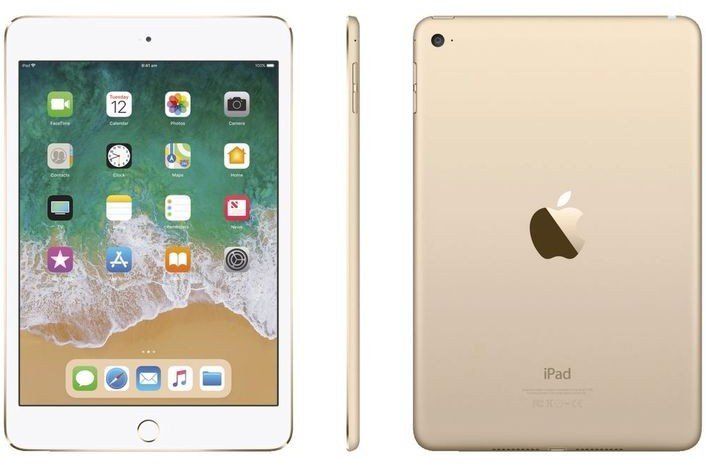
iPad mini
Ridiculously light
Seriously thin.

In the safe hands of our Apple MDM consultants
Controlling Apple iPad's and other Apple devices in your school should be straight forward and easily done, but for many schools, it is not.
Soltech IT can help with the use of Mobile Device Management (MDM) software. MDM software allows schools to easily manage iPad's and in some case other Apple Devices through the internet and wireless connections.
MDM software allows teachers to remotely deploy apps for each lesson on selected devices whilst controlling what pupils can and can not see or use.
In real time teachers can display a pupils iPad on the classroom Touchscreen allowing the whole class to view the pupils work.
Schools are also able to complie with safeguarding policies and stop the iPads camera from being used.
If a pupil is misbehaving a teacher can instantly suspend thet pupils iPad, rendering it unusable until the pupils behaviour improves.
Soltech IT will also help manage your iPad devices remotely, pushing out apps and settings, freeing up staff to focus on other tasks.
As a leading Apple MDM provider we supply and support a wide range of MDM solutions including, but not limited to:-


What is the Apple Volume Purchase Program for schools?
Apples, VPP provides educational institutions with complete ownership and control of content through mobile device management (MDM) solutions.
Users get quick and easy access to apps and books over the air at discounted prices.
iOS and Mac Apps for schools
Buy apps in volume for both iOS and Mac through the VPP store. Free apps are also available, so you can provide students and teachers with all the tools they need to enhance learning.
Apple Pricing for Education
Organisations such as Soltech IT can offer educational institutions special pricing on apps through VPP. Once educational pricing is enabled, institutions will receive a 50 per cent discount when purchasing in quantities of 20 or more.
Educational institutions can purchase apps and books in volume using purchase orders, credit cards and Click and Buy. Institutions using purchase orders can procure Volume Purchase Programme Credit (VPP Credit), which provides credit to administrators electronically for any amount through email.
Books from the Apple iStore for schools
Use VPP to purchase a wide variety of books from the iBooks Store. Discover children’s books, classic novels, reference guides and textbooks from major publishers, and bring entirely new ways of learning to your institution.
Flexible options for education
When you buy apps and books in volume, you can distribute content via redeemable codes directly to your users. You also have the option to assign apps and books using third-party MDM solutions. stormfront
Managed application distribution for schools
Easily distribute apps to users while retaining ownership and control. Invite users to participate, then assign apps using an MDM solution. Apps can be used on all the user’s devices and when no longer needed, reassigned to a different user.
Managed books for schools
Distribute and manage books, ePubs and PDFs you create or purchase from the Volume Purchase Programme. Books created with iBooks Author, ePubs, and PDFs distributed by MDM have the same properties as other managed documents. Books purchased through the Volume Purchase Programme can be distributed through managed book distribution but cannot be revoked and reassigned.
Automation installation throughout school devices
If a student’s device is supervised, you can install apps and books over the air automatically. This ensures students get the right apps they need at just the right time.
Rapid delivery of content to pupils and staff within a school
Once iPad or Mac is deployed, you can distribute apps and content over the air. Updates to iOS and OS X apps and content can be cached locally using Caching Server 2 in OS X Server. This speeds up the download and delivery of content over your institution’s network.
How does Apple VPP work?
01 Enrol.
Set up a Volume Purchase Programme account by providing basic information about your institution and who will manage the programme.
02 Setup.
After enrolment is complete, you then set up and manage your institution’s administrators for the purchasing and distribution of content.
03 Purchase.
In the VPP store, search for the content you need, enter the quantity and complete the transaction with VPP Credit or a credit card.
04 Distribute
Distribute content to individual users by providing them with redeemable codes on a per-app basis. Or streamline app distribution institution-wide by assigning content directly to users or groups using an MDM solution.

Meet the team
Technical Director
Lee brings a wealth of certified qualifications to the business, along with also many years of experience dealing with prestigious SME's, and Educational organisations.
As our Technical Director Lee is responsible for managing the technical direction of the business and our clients. In his role, Lee is also very much 'hands on' with our client base and project installations..