Bristol, Gloucestershire, Wiltshire, Somerset, Dorset, Devon, Cornwall and the South West
MULTI AWARD WINNING IT SUPPORT, SOLUTIONS AND SERVICES
Backup And
Security.
"I would have no hesitation in recommending Soltech.”
Janie Tucker, Managing Director, Waste-Disposer Warehouse



SME
Backup and Security
Corporate
Backup and Security
Charity
Backup and Security
Public Sector
Backup and Security
Your Backup Is Part of Your Cyber Security
A backup isn't simply an IT housekeeping task anymore.
With ransomware, compromised accounts, accidental deletion and increasingly sophisticated cyber attacks, secure backup and recovery should be an essential part of your cyber security strategy.
A business can have excellent firewalls, email security, EDR and MFA—but if an attacker successfully compromises your systems, your ability to recover may ultimately depend on your backups.
At Soltech IT Ltd, we provide secure, managed backup and disaster recovery designed to protect your critical business information and give you a reliable route back to normal operations.
Why Backup Is a Cyber Security Issue
Cyber criminals understand that backups are your safety net.
Modern ransomware attacks can deliberately target:
- Servers
- Network storage
- Backup servers
- Backup credentials
- Cloud accounts
- Administrator accounts
If attackers can compromise your backups, they may be able to prevent you from recovering your business.
That's why backup security matters just as much as backup frequency.
A Good Backup Should Answer Five Questions
1. Is Everything Important Being Backed Up?
Critical data needs to be identified and protected.
2. Are Backups Protected From Attackers?
An attacker shouldn't be able to simply delete or encrypt your backups.
3. Are Backups Kept Separately?
You shouldn't rely entirely on the same environment that you're trying to recover.
4. Can You Actually Restore Your Data?
A backup isn't proven until it has been successfully recovered.
5. How Quickly Can You Recover?
Your recovery strategy needs to match how much downtime your business can tolerate.
Protect Against Ransomware
Ransomware can encrypt critical business information and potentially bring operations to a halt.
A strong backup strategy can provide an important recovery option.
However, backups need to be designed with ransomware in mind.
This can include:
- Immutable backups
- Offline or isolated copies
- Separate credentials
- MFA
- Restricted administrator access
- Retention policies
- Backup monitoring
- Recovery testing
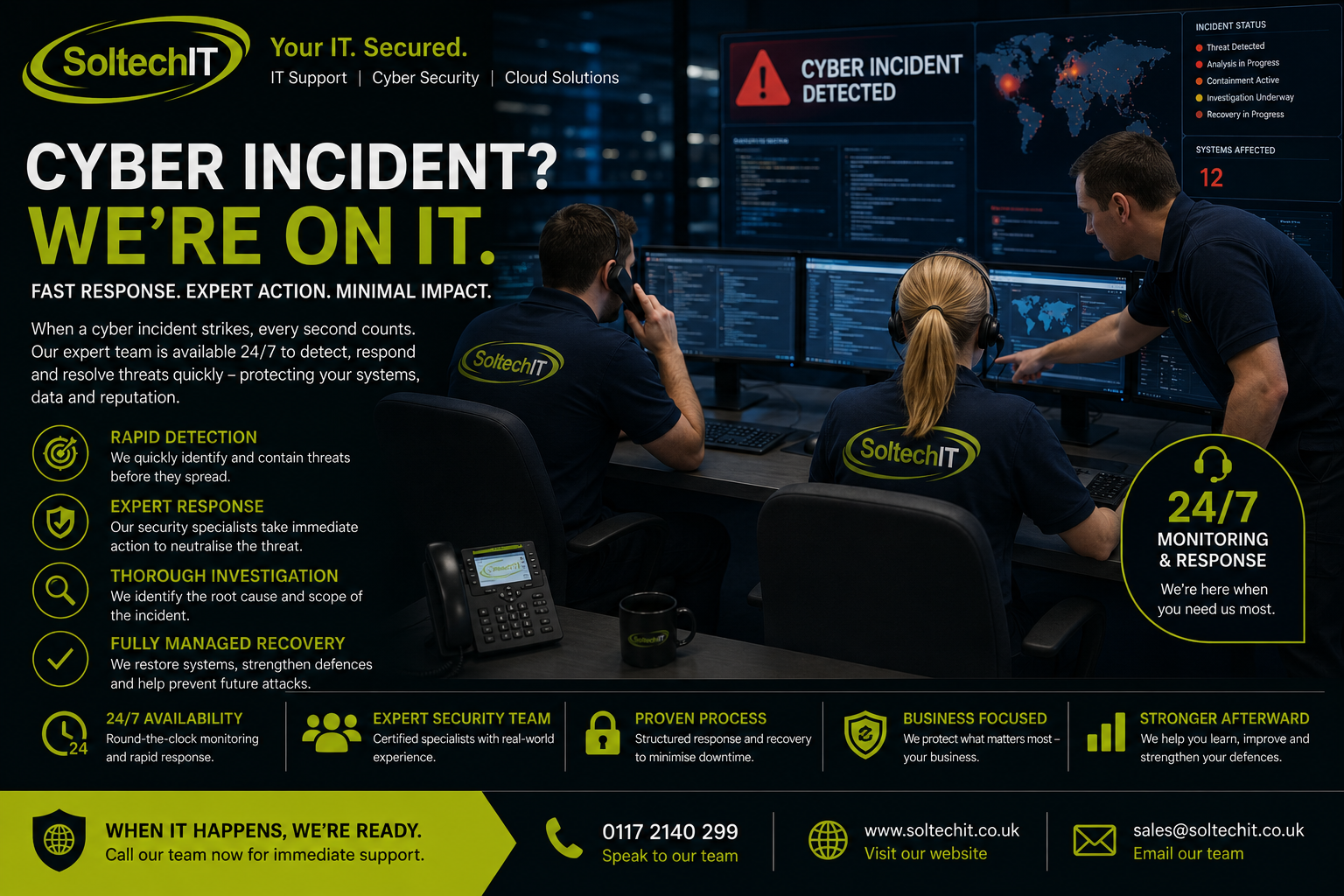
The objective is to ensure that your backups remain available when you actually need them.
Immutable Backups
Immutable backups are designed to prevent stored data from being altered or deleted during a defined retention period.
This can provide valuable protection if:
- An administrator account is compromised
- Ransomware reaches your backup environment
- A malicious insider attempts to delete backups
- Backup credentials are stolen
Immutability is one of several controls that can strengthen your ransomware recovery strategy.
The 3-2-1 Backup Strategy
A commonly recommended approach is the 3-2-1 backup principle:
3 Copies
Keep multiple copies of important data.
2 Locations or Media
Don't depend entirely on a single storage environment.
1 Off-Site Copy
Maintain a copy away from your primary environment.
Depending on the organisation, additional controls such as immutable and isolated backups may provide further protection.
Microsoft 365 Backup
One of the biggest misconceptions about cloud services is:
"It's in Microsoft 365, so it's automatically backed up."
Microsoft provides significant service resilience and recovery capabilities, but businesses should consider whether these meet their own requirements for backup, retention and recovery.
Business data can still be affected by:
- Accidental deletion
- Malicious deletion
- Account compromise
- Data corruption
- Unwanted changes
- Retention limitations
Soltech IT can assess whether additional Microsoft 365 backup is appropriate for your organisation.
What Can We Back Up?
Depending on your environment, this can include:
- Physical servers
- Virtual servers
- Workstations
- Laptops
- Databases
- Applications
- Files
- Microsoft 365
- SharePoint
- OneDrive
- Critical business data
- System configurations
We identify what your business cannot afford to lose and build the backup strategy around it.
Backup Monitoring
A backup that failed three weeks ago isn't protecting your business.
That's why managed monitoring is important.
We can monitor for:
- Failed backup jobs
- Missed backups
- Storage capacity
- Configuration problems
- Unexpected changes
- Security alerts
Potential problems can then be investigated before they become a disaster.
Backup Testing
One of the most important questions we ask is:
When was the last time you successfully restored your critical data?
Recovery testing helps confirm that:
- Backups are accessible
- Data can be restored
- Recovery procedures work
- Recovery times are realistic
- Critical systems can be recovered
A backup should never be considered reliable simply because a dashboard says "Backup Successful."
Recovery Time Objective
Your Recovery Time Objective (RTO) determines how quickly you need to restore a system following an incident.
For example:
- A small internal file server may tolerate longer downtime.
- A critical business application may need to be restored within hours.
- A customer-facing system may require a much faster recovery.
We can help establish appropriate recovery objectives for your critical systems.
Recovery Point Objective
Your Recovery Point Objective (RPO) determines how much data your business can afford to lose.
For example:
24-hour RPO
You could potentially lose up to a day's work.
4-hour RPO
Backups need to occur significantly more frequently.
1-hour RPO
Your backup strategy needs to provide much more frequent protection.
The appropriate RPO depends on the importance of the system and the cost of losing data.
Backup & Disaster Recovery
Backup is only one part of recovery.
Disaster Recovery considers how your business will restore its technology following a major incident such as:
- Ransomware
- Cyber attack
- Fire
- Flood
- Hardware failure
- Server failure
- Major IT outage
We can help develop a recovery strategy that prioritises your most important systems.
Business Continuity
Disaster recovery focuses on restoring technology.
Business continuity asks a wider question:
How does the business continue operating while systems are unavailable?
This can include:
- Alternative working arrangements
- Emergency communication
- Access to critical information
- Temporary systems
- Key personnel
- Recovery priorities
Your IT recovery plan should support your wider business continuity plan.
Discover the right certification for your business.
Explore Cyber Essentials and Cyber Essentials Plus.
Backup Security & Cyber Security
Backup should form part of your wider cyber security lifecycle:
Prevent
- Cyber Essentials
- Email Security
- Microsoft 365 Security
- MFA
Protect
- EDR
- Secure configuration
- Vulnerability Management
Detect
- MDR
- Managed Security Operations
- Dark Web Monitoring
Respond
- Cyber Incident Response
Recover
- Secure Backup
- Disaster Recovery
This provides multiple layers of protection.
Backup & Cyber Insurance
Cyber insurers increasingly ask businesses how they protect and recover their critical data.
You may be asked about:
- Backup frequency
- Backup separation
- Immutable backups
- MFA
- Backup testing
- Disaster recovery
- Ransomware recovery
A properly managed backup strategy can help demonstrate that your organisation has considered the consequences of a cyber attack.
Always check your individual policy requirements, as insurers have different conditions.
Backup for Small Businesses
Small businesses often have fewer resources to recover from a major incident.
A ransomware attack that takes a large company offline for a day could potentially be devastating to a smaller organisation.
Secure, monitored backups provide an important safety net.
Backup for Schools
Schools rely on technology for:
- Administration
- Finance
- Student information
- Teaching
- Communication
- Safeguarding
- Microsoft 365
A major IT incident can therefore have a significant operational impact.
Soltech IT can help schools and Multi Academy Trusts develop secure backup and recovery strategies appropriate to their environment.
Speak to Soltech IT about your businesses Cyber Security needs
Contact Us
Why Choose Soltech IT?
Your backup provider should understand your entire IT environment.
Soltech IT can combine backup with:
- Cyber Essentials
- Cyber Essentials Plus
- Cyber Security Auditing
- Penetration Testing
- Managed Security Risk
- Managed Security Operations
- Managed Detection & Response
- Endpoint Detection & Response
- Microsoft 365 Security
- Email Security
- Vulnerability Management
- Security Awareness Training
- Phishing Simulation
- Dark Web Monitoring
- Cyber Incident Response
This means your backup isn't an isolated service.
It becomes part of your overall cyber resilience strategy.
Frequently Asked Questions
Are backups enough to protect against ransomware?
No. Backups are an important recovery control, but they should sit alongside preventative and detective security measures such as MFA, EDR, email security and vulnerability management.
Should backups be connected to the network?
Some backup systems need network connectivity, but organisations should consider isolation, access restrictions and immutable or offline copies to reduce the risk of attackers compromising backups.
Do you test backups?
Yes. Recovery testing is essential to establish whether your backups can actually be used to restore your business.
Do we need to back up Microsoft 365?
It depends on your specific data retention and recovery requirements. We can assess your Microsoft 365 environment and recommend an appropriate approach.
How often should we back up?
The appropriate frequency depends on how much data your organisation can afford to lose and how quickly systems need to be recovered.
Don't Discover Your Backup Problem During a Ransomware Attack
When a cyber attack happens, the worst time to discover that your backup hasn't worked for three months is after your systems have been encrypted.
Soltech IT can help you build a backup strategy that is secure, monitored and tested.
Protect Your Data. Protect Your Business. Be Ready to Recover.
Contact Soltech IT Ltd today for a Backup & Security Assessment.
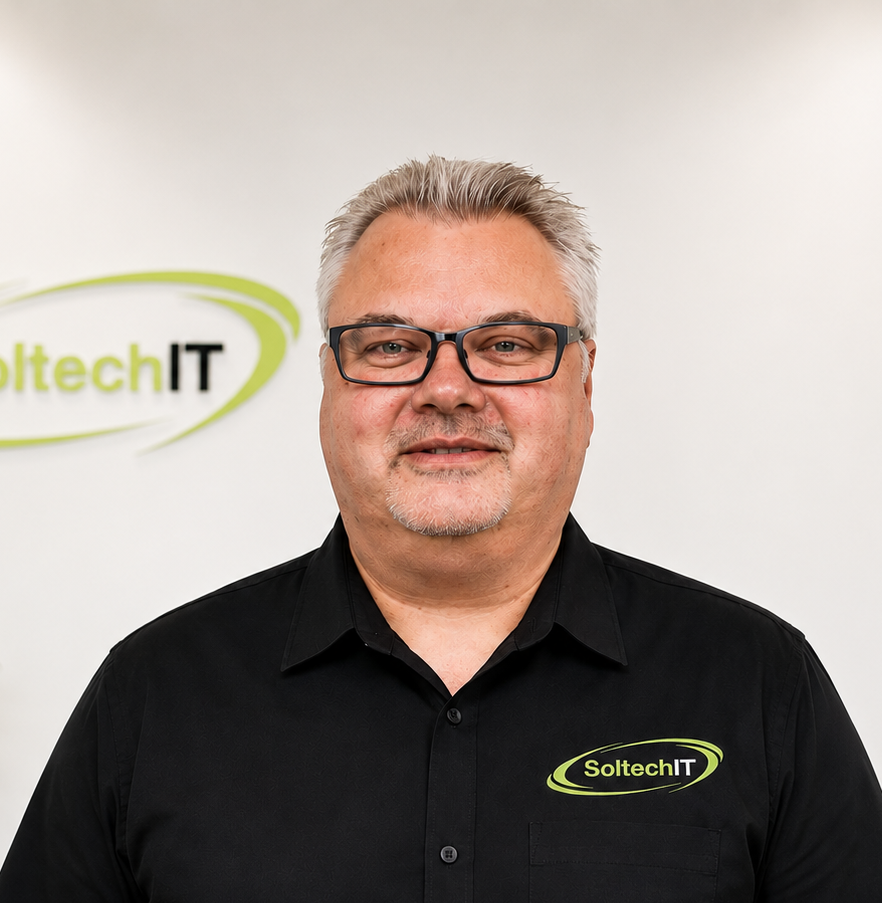
Meet the team
Executive Director
Working within the business and educational sectors for many years, Adam has been instrumental in harnessing the latest technology to innovate and deliver new and effective systems.
Prior to joining Soltech IT in 2011, Adam spent 12 years managing the IT systems and operations of Focus DIY's offices and stores throughout the United Kingdom.