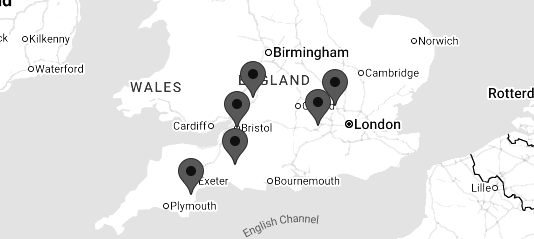
Bristol, Gloucestershire, Wiltshire, Somerset, Dorset, Devon, Cornwall and the South West
MULTI AWARD WINNING IT SUPPORT, SOLUTIONS AND SERVICES
Security.
"I would have no hesitation in recommending Soltech.”
Janie Tucker, Managing Director, Waste-Disposer Warehouse


SME
Email Security
Corporate
EmailSecurity
Charity
Email Security
Public Sector
Email Security
Your Email Is One of Your Biggest Cyber Security Risks
Email remains one of the most common ways cyber criminals target businesses.
A single malicious email can lead to:
- Stolen Microsoft 365 credentials
- Ransomware
- Malware
- Financial fraud
- Business Email Compromise
- Data breaches
- Customer information being stolen
Modern phishing attacks can be extremely convincing, making it increasingly difficult for employees to distinguish genuine communications from malicious ones.
At Soltech IT Ltd, we provide layered Email Security designed to protect your business from malicious emails, phishing, impersonation, malware and other email-based threats.
Why Business Email Security Matters
Your employees probably receive hundreds or thousands of emails every month.
- Among them could be:
- Phishing emails
- Malicious attachments
- Fake invoices
- Credential theft attempts
- Supplier impersonation
- Executive impersonation
- Malware
- Business Email Compromise
Traditional spam filtering is no longer enough
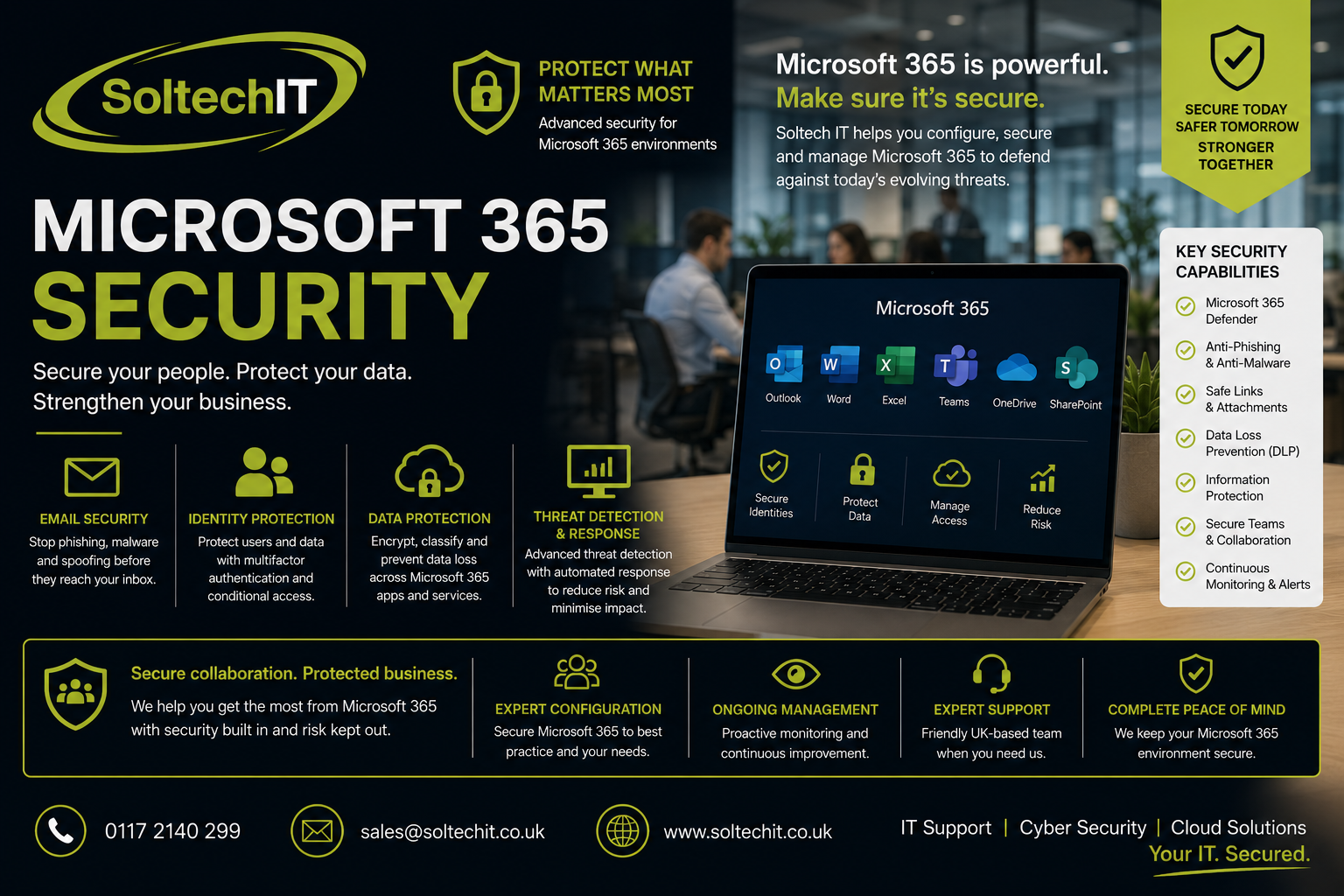
Modern email security needs to examine who sent the message, what it contains, where links lead, whether the sender is legitimate and whether the request makes sense.
What Our Email Security Protects Against
Our email security services can help protect against:
Phishing
Fake emails designed to trick users into clicking links or providing information.
Malware
Malicious files or links designed to infect computers.
Business Email Compromise
Attackers impersonating employees, directors, customers or suppliers.
Credential Theft
Fake Microsoft 365 and other login pages designed to steal usernames and passwords.
Email Spoofing
Criminals attempting to make messages appear as though they came from your organisation.
Malicious Attachments
Files containing malware or other threats.
Malicious Links
Links leading to phishing sites or malicious content.
Advanced Protection for Microsoft 365
For organisations using Microsoft 365, we can configure and manage the security capabilities available within your Microsoft environment.
This can include technologies such as Microsoft Defender for Office 365, depending on your Microsoft licensing.
We can assess and configure:
- Anti-phishing policies
- Anti-spam protection
- Safe Links
- Safe Attachments
- Impersonation protection
- Mail flow rules
- External forwarding controls
- Spoof protection
- User reporting
SPF, DKIM & DMARC
Email authentication is an essential part of protecting your domain from impersonation.
SPF
Sender Policy Framework identifies which systems are authorised to send email on behalf of your domain.
DKIM
DomainKeys Identified Mail adds a digital signature to outgoing email, helping receiving systems verify that the message has not been tampered with and is associated with an authorised sending domain.
DMARC
Domain-based Message Authentication, Reporting and Conformance builds on SPF and DKIM and tells receiving mail systems how to handle messages that fail authentication.
It can also provide reporting that helps organisations understand how their domains are being used.
Why DMARC Matters
Imagine a criminal sends an email pretending to come from:
accounts@yourcompany.co.uk
They could send it to one of your customers and request that an invoice is paid into a new bank account.
Without appropriate email authentication and other controls, it may be difficult for the recipient to determine whether the message is genuinely from your organisation.
Correctly configured SPF, DKIM and DMARC can make domain impersonation significantly harder.
Business Email Compromise
Business Email Compromise (BEC) is one of the most financially damaging types of email attack.
An attacker may compromise an employee's mailbox and monitor conversations without immediately doing anything obvious.
They may wait until they find an opportunity to:
- Intercept an invoice
- Change bank details
- Request an urgent payment
- Impersonate a director
- Target a customer
- Target a supplier
Because the email may come from a genuine compromised account, these attacks can be extremely difficult to spot.
Protecting Against CEO Fraud
Attackers may impersonate senior management to pressure employees into making payments or disclosing information.
For example:
"I'm in a meeting and need this payment made urgently."
A good email security strategy should be supported by business processes that require sensitive financial requests to be independently verified.
Technology can help identify suspicious messages, but good procedures and employee awareness remain essential.
Email Security & Phishing Simulation
Technology alone cannot stop every phishing attack.
That's why we recommend combining Email Security with Phishing Simulation Testing.
We can safely test whether your employees would:
- Click a suspicious link
- Open an attachment
- Enter credentials
- Respond to a fraudulent request
- Report a suspicious email
This allows you to test both sides of your defence:
Technology + People
Email Security & Security Awareness Training
Employees should know what to do when something doesn't look right.
Security awareness training can teach employees how to identify:
- Suspicious senders
- Unexpected attachments
- Fake login pages
- Urgent payment requests
- Unusual requests
- Impersonation attempts
Most importantly, employees should know how and where to report suspicious emails.
Email Security & Microsoft 365
Email is only one part of your Microsoft 365 environment.
A compromised email account can potentially provide access to:
- OneDrive
- SharePoint
- Teams
- Contacts
- Calendars
- Business documents
This is why we recommend combining Email Security with wider Microsoft 365 Security, including:
- MFA
- Conditional Access
- Entra ID security
- Defender
- Administrator account protection
- Device security
Email Security for Remote Workers
Remote working increases reliance on cloud email.
Employees may access email from:
- Home
- Customer sites
- Hotels
- Airports
- Mobile devices
Your email security therefore needs to protect users wherever they are working.
Cloud-based email security and Microsoft 365 security controls can provide protection without requiring employees to be connected to your office network.
Email Security for Small Businesses
Small businesses are frequently targeted because criminals know they may have valuable information but fewer dedicated security resources.
Your business email may provide access to:
- Customer information
- Financial information
- Supplier information
- Contracts
- Password reset links
- Sensitive documents
A successful compromise of just one account can have significant consequences.
Email Security for Schools
Schools receive large volumes of email and are frequently targeted with phishing and credential theft attacks.
We can help schools improve protection against:
- Fake Microsoft 365 emails
- Staff account compromise
- Malware
- Phishing
- Impersonation
- Malicious attachments
Email security can form part of a wider school cyber security strategy alongside Cyber Essentials, Microsoft 365 security and security awareness training.
Managed Email Security
Installing an email security product isn't the end of the process.
- Security settings need to be:
- Correctly configured
- Reviewed
- Updated
- Monitored
- Tested
Soltech IT can manage your email security as part of your wider managed IT and cyber security service.
This means you have specialists available to investigate suspicious activity and make appropriate improvements.
Email Security & Cyber Essentials
Email security complements Cyber Essentials, but it does not replace it.
Cyber Essentials addresses key technical security controls across your organisation.
Email security focuses specifically on one of the most common attack routes.
Together, they provide stronger protection against common cyber threats.
Email Security & Cyber Insurance
Cyber insurers increasingly ask businesses how they protect their email environment.
This may include questions around:
- MFA
- Anti-phishing
- Email filtering
- SPF
- DKIM
- DMARC
- Business Email Compromise
- Security awareness
- Phishing testing
We can assess your current email security and help identify areas for improvement.
Discover the right certification for your business.
Explore Cyber Essentials and Cyber Essentials Plus.
A Layered Approach to Email Security
The strongest protection doesn't rely on one technology.
We recommend combining:
Technology
Email filtering, anti-phishing, malware protection and Microsoft security controls.
Authentication
SPF, DKIM and DMARC.
Identity Protection
MFA and Conditional Access.
Employee Awareness
Security awareness training.
Testing
Phishing simulation.
Monitoring
Security monitoring and Managed Detection & Response.
Recovery
Incident response and secure backups.
Speak to Soltech IT about your businesses Cyber Security needs
Contact Us
Why Choose Soltech IT?
Email security is just one part of the cyber security services we provide.
If we identify a wider security weakness, we can help address it.
Our services include:
- Email Security
- Cyber Essentials
- Cyber Essentials Plus
- Penetration Testing
- Cyber Security Auditing
- Managed Security Risk
- Vulnerability Management
- Microsoft 365 Security
- Endpoint Detection & Response
- Managed Detection & Response
- Security Awareness Training
- Phishing Simulation
- Dark Web Monitoring
- Incident Response
- Backup & Disaster Recovery
Frequently Asked Questions
Is Microsoft 365 email secure?
Microsoft provides strong built-in security capabilities, but these need to be correctly configured and managed. Additional controls may also be appropriate depending on your organisation and Microsoft licensing.
Do I need SPF, DKIM and DMARC?
For businesses sending email from their own domain, these technologies are important components of a modern email security strategy.
Can email security stop every phishing email?
No. No email security technology can guarantee that every malicious message will be detected. This is why email security should be combined with MFA, employee training, phishing simulation and monitoring.
Can Soltech IT secure our existing Microsoft 365 email?
Yes. We can assess your existing configuration, identify weaknesses and implement appropriate improvements.
Protect Your Business Email
Your email is one of the most valuable targets for cyber criminals.
Don't rely on spam filtering alone.
Soltech IT can provide a layered approach combining email security technology, Microsoft 365 protection, authentication, employee awareness and ongoing monitoring.
Stop more threats before they reach your employees.
Contact Soltech IT Ltd today for an Email Security Assessment.

Meet the team
Jonathan Mount
Integrated Systems Manager (Av, CCTV and Cabling)
There's not much that Jonanthan can't do when it comes to audio visual installations, network infrastructure cabling installs or enhanced AI CCTV installations.
With many years experience Jonathan has, and always is raising the bar with forward thinking solutions for both business and educational working environments.