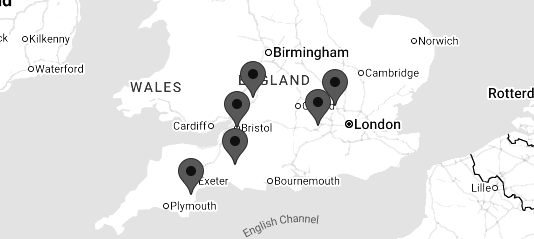
Bristol, Gloucestershire, Wiltshire, Somerset, Dorset, Devon, Cornwall and the South West
MULTI AWARD WINNING IT SUPPORT, SOLUTIONS AND SERVICES
Microsoft 365.
Security.
"I would have no hesitation in recommending Soltech.”
Janie Tucker, Managing Director, Waste-Disposer Warehouse



SME
Microsoft 365 Security
Corporate
Microsoft 365 Security
Charity
Microsoft 365 Security
Public Sector
Microsoft 365 Security
Microsoft 365 Is More Than Email
Microsoft 365 has become the core IT platform for many businesses.
Your employees may use Microsoft 365 for:
- Teams
- SharePoint
- OneDrive
- Word
- Excel
- PowerPoint
- Business documents
- Customer information
- Calendars
- Contacts
This makes Microsoft 365 an extremely valuable target for cyber criminals.
A compromised Microsoft 365 account can potentially give an attacker access to a huge amount of business information.
At Soltech IT Ltd, we help businesses secure, monitor and manage their Microsoft 365 environments to reduce the risk of account compromise, data theft and cyber attacks.
Is Your Microsoft 365 Secure?
Microsoft 365 provides powerful security capabilities, but simply having Microsoft 365 doesn't mean your environment is secure.
- Security depends heavily on:
- Configuration
- Licensing
- Identity protection
- MFA
- Conditional Access
- Administrator security
- Device management
- Email protection
- User permissions
- Monitoring
- Ongoing management
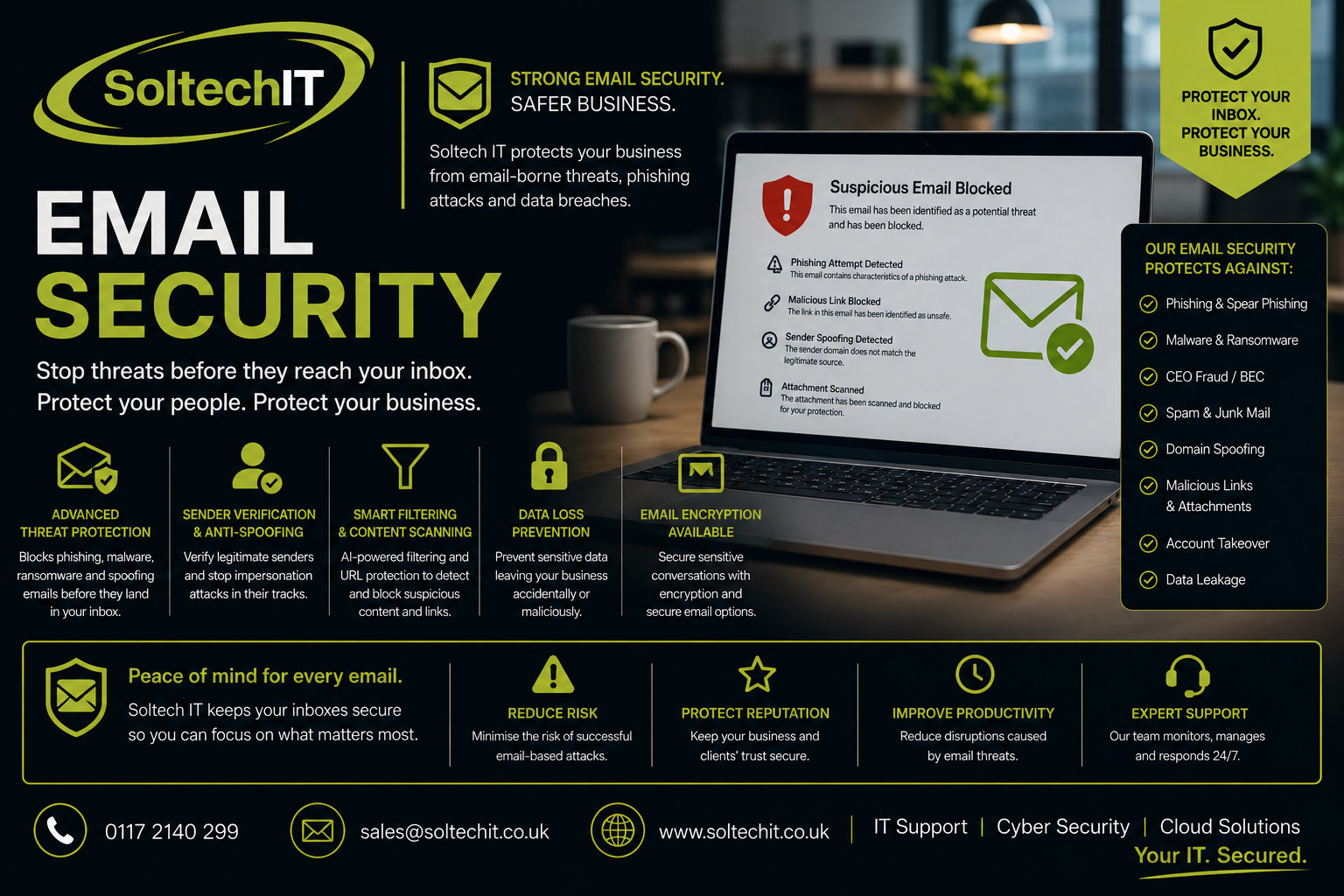
We can assess your current Microsoft 365 environment and identify where security improvements can be made.
Protecting Microsoft 365 Accounts
Compromised credentials are one of the biggest risks facing Microsoft 365 users.
- We can help protect accounts using:
- Multi-Factor Authentication (MFA)
- Conditional Access
- Strong authentication policies
- Administrator account protection
- Risk-based access controls
- Secure password policies
- Sign-in monitoring
The objective is to make stolen credentials much harder for attackers to use.
Multi-Factor Authentication
A username and password alone should not be considered sufficient protection for important business accounts.
MFA requires an additional form of verification when users sign in.
This can significantly reduce the risk associated with stolen passwords.
We can help implement MFA across your Microsoft 365 environment and ensure that privileged accounts receive appropriate protection.
Microsoft Entra ID Security
Microsoft Entra ID is the identity platform behind Microsoft 365.
It controls who can access your cloud services and what they're allowed to access.
Poorly configured identity security can create significant risks.
We can review areas including:
- Administrator accounts
- User accounts
- Guest accounts
- Authentication methods
- Conditional Access
- MFA
- Privileged access
- Sign-in activity
- Dormant accounts
Protecting Administrator Accounts
Administrator accounts are particularly attractive to attackers.
A compromised administrator account can potentially allow an attacker to make significant changes to your Microsoft 365 environment.
We recommend strong controls around privileged accounts, including:
- MFA
- Separate administrator accounts
- Least-privilege access
- Limited administrator permissions
- Monitoring
- Secure authentication
Conditional Access
Conditional Access allows organisations to control access based on conditions such as:
- User
- Location
- Device
- Application
- Risk
- Authentication method
For example, you may require stronger authentication when a user signs in from an unusual location or from an unmanaged device.
Correctly configured Conditional Access can significantly strengthen Microsoft 365 security.
Microsoft Defender for Office 365
Depending on your Microsoft licensing, Microsoft Defender for Office 365 can provide additional protection against email and collaboration-based threats.
Capabilities can include protection against:
- Phishing
- Malicious links
- Malicious attachments
- Impersonation
- Business Email Compromise
We can review your licensing and security configuration to determine whether your organisation is making appropriate use of the security capabilities available to it.
Microsoft Defender for Endpoint
Microsoft Defender for Endpoint can provide advanced endpoint protection and security visibility across supported devices.
It can help detect:
- Malware
- Ransomware
- Suspicious activity
- Exploitation
- Credential theft
- Malicious processes
It can also integrate with Microsoft's wider security ecosystem.
Microsoft Intune Security
Microsoft Intune provides cloud-based device management and security capabilities.
We can help organisations use Intune to manage:
- Windows devices
- Mobile devices
- Security policies
- Device compliance
- Applications
- Configuration
- Updates
- Access controls
A device that doesn't meet your security requirements can potentially be prevented from accessing sensitive business resources.
Secure Your Business Devices
Microsoft 365 security shouldn't stop at the cloud.
Your employees access Microsoft 365 from:
- Laptops
- Desktop PCs
- Tablets
- Smartphones
We can help ensure that devices accessing your Microsoft 365 environment meet appropriate security requirements.
This can include:
- Encryption
- Security software
- Updates
- Device compliance
- Screen lock
- Secure configuration
SharePoint & OneDrive Security
Microsoft 365 documents often contain some of a company's most sensitive information.
We can review access to:
- SharePoint sites
- OneDrive
- Shared folders
- External users
- Guest accounts
- Business documents
This helps identify excessive permissions and unnecessary external access.
Microsoft 365 Backup
One of the most common misconceptions is:
"Microsoft 365 is backed up by Microsoft, so we don't need a backup."
Microsoft provides service resilience, but businesses should consider whether Microsoft's native recovery capabilities meet their specific requirements.
Additional Microsoft 365 backup can provide protection against scenarios such as:
- Accidental deletion
- Malicious deletion
- Account compromise
- Data corruption
- Unwanted changes
Soltech IT can assess your Microsoft 365 backup requirements.
Microsoft 365 Security Monitoring
Security doesn't end once Microsoft 365 has been configured.
We can monitor for indicators such as:
- Suspicious sign-ins
- Unusual authentication
- Account compromise
- Security alerts
- Administrator changes
- Suspicious email activity
Where appropriate, these alerts can feed into wider security monitoring and Managed Detection & Response.
Microsoft 365 Security Audit
Our Microsoft 365 Security Assessment can review your environment and identify potential weaknesses.
This can include:
Identity
- MFA
- Entra ID
- Administrator accounts
- Conditional Access
- Anti-phishing
- Anti-spam
- Defender
- SPF
- DKIM
- DMARC
Devices
Intune
Defender
Device compliance
Encryption
Data
SharePoint
OneDrive
External sharing
Permissions
Recovery
Microsoft 365 backup
Recovery procedures
Microsoft 365 & Cyber Essentials
Microsoft 365 security can play an important role in achieving and maintaining Cyber Essentials.
However, Microsoft 365 security alone does not mean your organisation is Cyber Essentials compliant.
Cyber Essentials covers a broader range of technical controls.
Soltech IT can help ensure your Microsoft 365 environment supports your wider Cyber Essentials requirements.
Microsoft 365 & Cyber Essentials Plus
For organisations pursuing Cyber Essentials Plus, the security of Microsoft 365 and the devices accessing it becomes even more important.
We can help prepare your Microsoft 365 environment as part of your wider Cyber Essentials Plus preparation.
Microsoft 365 & Phishing
Even the best technical controls cannot guarantee that every phishing email will be stopped.
That's why we recommend combining Microsoft 365 security with:
- Phishing Simulation Testing
- Security Awareness Training
- MFA
- Conditional Access
- Email Security
- EDR
- MDR
This creates multiple layers of protection.
Discover the right certification for your business.
Explore Cyber Essentials and Cyber Essentials Plus.
Microsoft 365 Security for Small Businesses
Microsoft 365 gives smaller businesses access to enterprise-grade security capabilities.
However, knowing which controls to use and how to configure them correctly can be difficult.
Soltech IT can help you make better use of your existing Microsoft investment without necessarily requiring additional security products.
Microsoft 365 Security for Schools
Microsoft 365 is widely used throughout education.
Schools and Multi Academy Trusts need to protect:
- Staff accounts
- Pupil information
- Safeguarding information
- Financial information
- HR data
- School documents
We can help schools secure Microsoft 365 alongside their wider education IT environment.
Don't Assume Your Microsoft 365 Is Secure
Microsoft provides the platform.
You are still responsible for how your organisation configures and uses it.
A poorly configured Microsoft 365 environment can leave significant security gaps even when the latest Microsoft security technology is available.
Soltech IT can assess your environment and identify those gaps.
Speak to Soltech IT about your businesses Cyber Security needs
Contact Us
Why Choose Soltech IT?
Microsoft 365 security works best when it is integrated with your wider IT and cyber security strategy.
Soltech IT can provide:
- Microsoft 365 Security
- Entra ID Security
- Microsoft Defender
- Microsoft Intune
- Email Security
- Cyber Essentials
- Cyber Essentials Plus
- Managed Security Risk
- Endpoint Detection & Response
- Managed Detection & Response
- Phishing Simulation
- Security Awareness Training
- Cyber Security Auditing
- Penetration Testing
- Backup & Disaster Recovery
- Incident Response
Frequently Asked Questions
Is Microsoft 365 secure?
Microsoft 365 provides extensive security features, but the security of your environment also depends on how those features are configured and managed.
Should we use MFA?
Yes. MFA should be considered an essential security control for Microsoft 365, particularly for administrator and privileged accounts.
Does Microsoft 365 include antivirus?
Microsoft provides several security capabilities depending on your licensing, including Microsoft Defender products. The exact protection available depends on your Microsoft 365 plan.
Do we need Microsoft 365 backup?
It depends on your data, retention and recovery requirements. We can assess your environment and determine whether additional backup protection is appropriate.
Can Soltech IT secure our existing Microsoft 365 environment?
Yes. We can audit your current configuration, identify weaknesses and implement improvements.
Secure Microsoft 365. Protect Your Business.
Your Microsoft 365 environment may contain your emails, documents, customer information and intellectual property.
Don't assume it's secure simply because it's hosted by Microsoft.
Soltech IT can assess, secure and manage your Microsoft 365 environment, helping protect your users, devices, identities and data.
Find out how secure your Microsoft 365 environment really is.
Contact Soltech IT Ltd today for a Microsoft 365 Security Assessment.

Meet the team
Luke Bowden
Schools Engineering Manager
Luke Bowden is our Schools Engineering Manager and one of the most experienced members of the Soltech IT team, having been with the company since 2017..
Luke specialises in supporting educational environments, managing our team of school engineers, and ensuring the effective delivery of services across our school portfolio. His extensive technical knowledge, leadership skills, and commitment to customer service make him a trusted and highly respected member of the team.